Passport Photo Maker
Take or choose a photo. The app frames it to the official geometry for your document, tells you in plain words what an authority would reject, and exports a digital file that meets the portal's pixel and file-size rules, plus a print sheet for any photo shop or kiosk. The photo never leaves your phone.
What it does
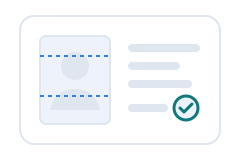
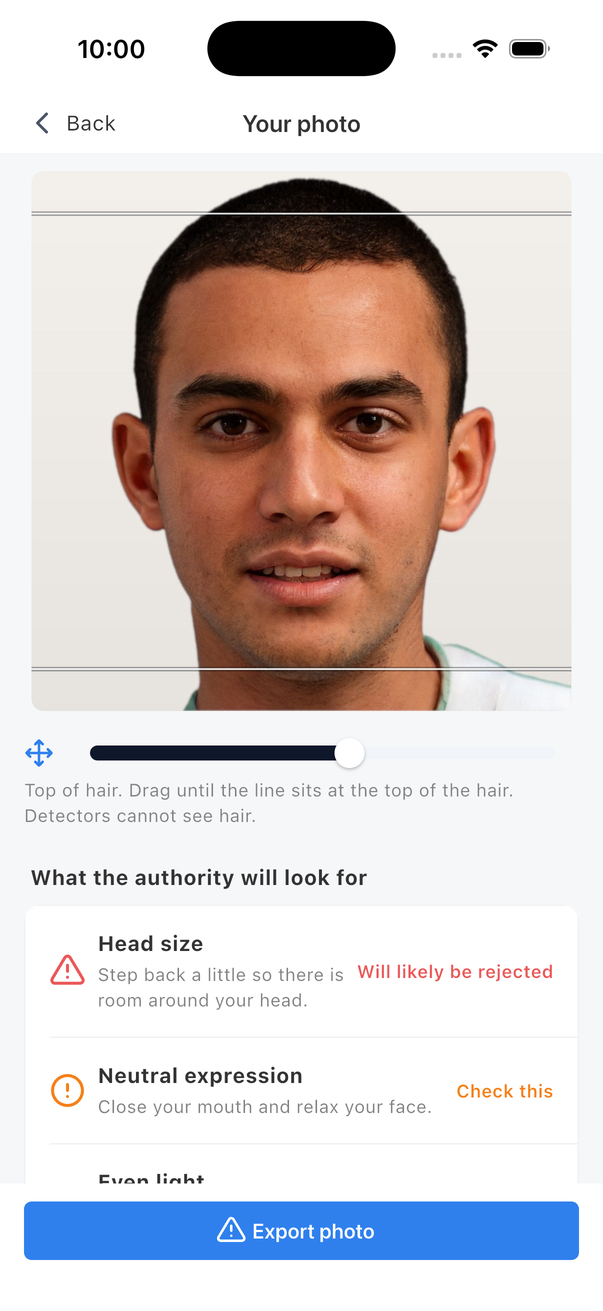
- Frames to the rule. Head height, eye position and centring follow the published requirement of the document you pick.
- Checks before you submit. One face, head straight, eyes open, neutral expression, even light, plain background, enough detail. Each check says what to change.
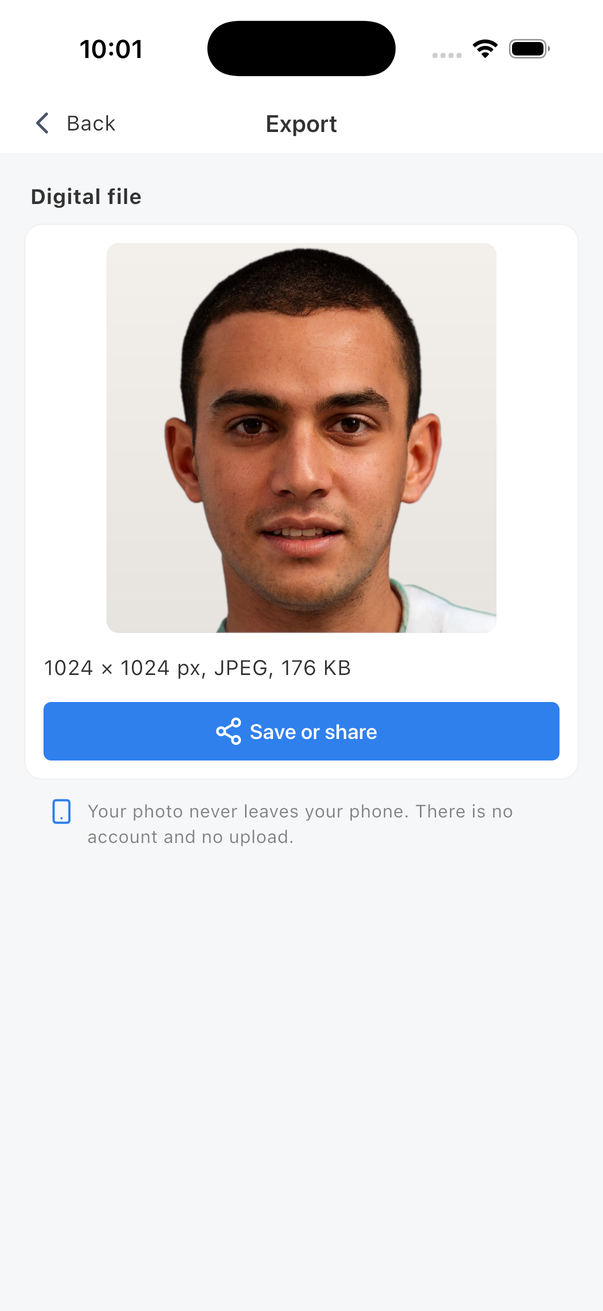
- Exports exactly. Square or portrait, between the minimum and maximum pixels, under the kilobyte cap. A 6 by 4 inch or A4 print sheet with cut marks.
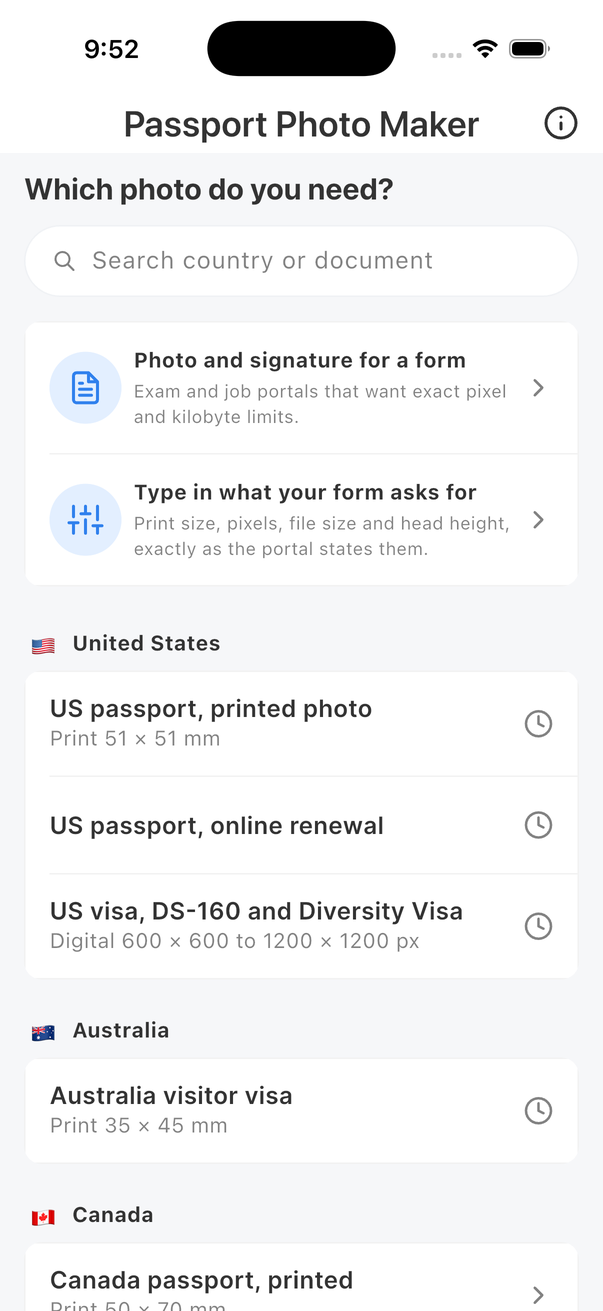
- Works for any country. Verified documents with their official source and date, the international standard size for everything else, and a custom document where you type what your form asks for.
- Forms and exams. Photo and signature at exact pixel and kilobyte limits for application portals.
Documents with verified rules
Each of these is checked against the issuing authority's own page, and the app shows the source and the date on the document's screen. Rules are re-checked every 90 days.
| Country | Documents |
|---|---|
| India | Passport (printed and digital upload), visa online, OCI |
| United States | Passport (printed and online renewal), visa, DS-160 and Diversity Visa |
| United Kingdom | Passport (digital and printed) |
| Canada | Passport (printed and online renewal) |
| China | Visa and passport (printed), visa online form |
| Singapore, Saudi Arabia, Australia, Schengen area | Visa photos |
| Any other country | Standard international size, 35 by 45 mm, with a custom option for exact portal settings |
The app checks your photo against the published requirements of the authority as of the date shown. It cannot guarantee acceptance.
Support
Does the app upload my photo anywhere?
No. Face detection, framing, checking and export all run on your phone. The app has no server. On iOS it has no network code at all; on Android the only network-capable component is Google Play's billing library, which the app never uses for anything but the purchase.
My photo was rejected by the portal or office. Why?
Open the document in the app and compare the report with the reason you were given. The commonest causes are glasses, a shadow or a patterned wall, which the report flags. Check that the document you chose matches the form you are filling in; a passport renewal and a visa often have different rules for the same country. Tap "Open the official page" to see the authority's own text.
How do I print the sheet?
Save the print sheet from the export screen and bring it to any photo shop or kiosk. Ask for one 6 by 4 inch glossy print, no cropping, no borders. The sheet is laid out at the exact size with faint cut marks outside each photo.
The export says the file size could not be met.
Portals set a kilobyte range. A very plain or very busy photo can fall outside it. Take a sharper photo in better light and try again; the app adjusts quality and size automatically within the portal's limits.
What does the purchase unlock?
Checking is free, always. One purchase unlocks exports: digital files, print sheets and signatures, for every document and every person, forever. There is no subscription and no account.
How do I restore a purchase on a new phone?
Open any export and tap "Restore purchase". The store recognises your purchase; no account is involved.
Refunds
Purchases are handled by Apple and Google, and refunds go through them: reportaproblem.apple.com for the App Store, and the Google Play order history for Android.
Something else
Write to [email protected]. Do not attach your photo; we cannot use it and would rather not hold it.